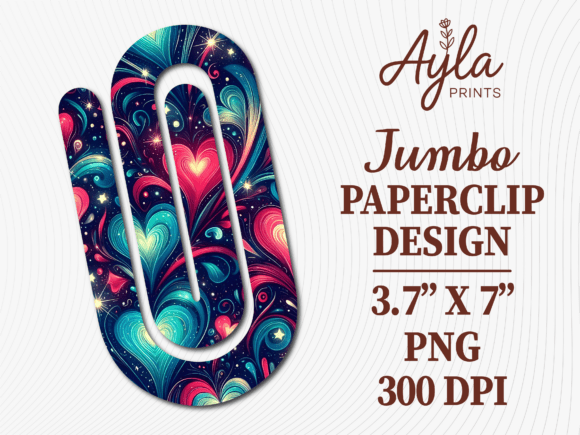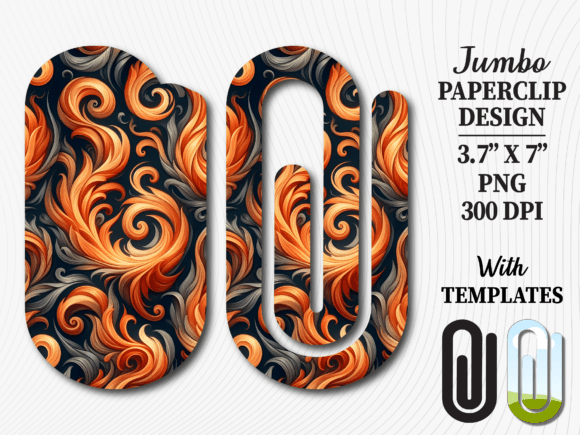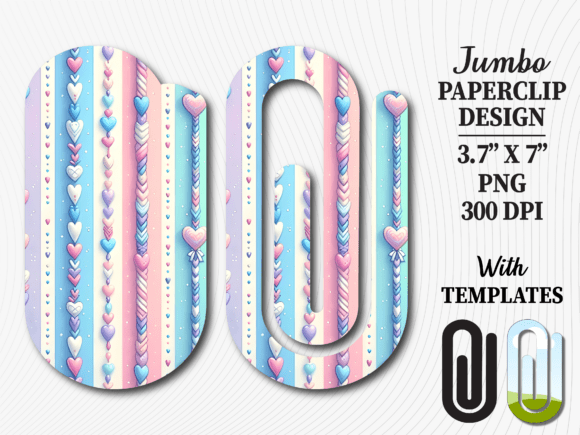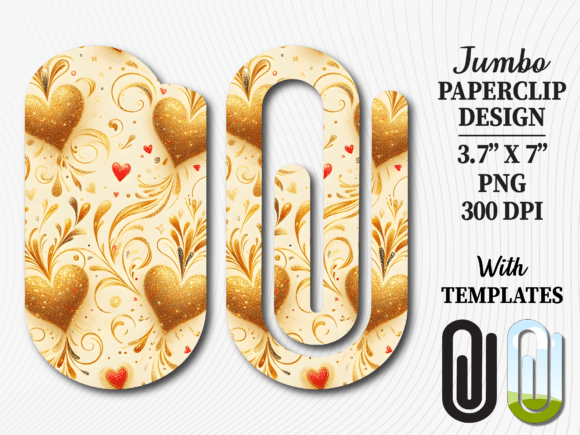
Fluid Abstract Marble Jumbo Paperclip
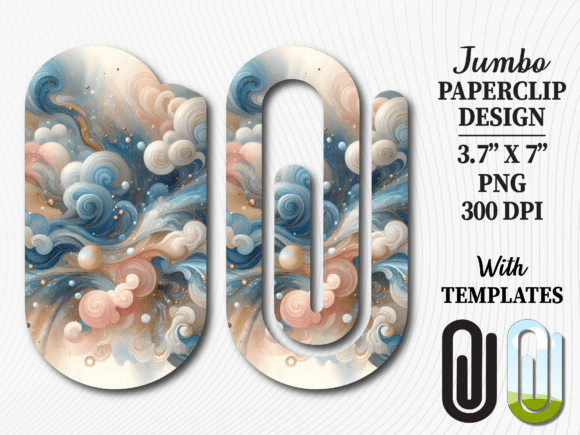
If you are looking to elevate your crafting projects, the Fluid Abstract Marble Jumbo Paperclip design offers a sophisticated touch that transforms simple office supplies into premium gifts. This digital asset is specifically crafted for creators who want to add a splash of elegance to bookmarks, planner clips, and teacher appreciation items without spending hours designing from scratch. The fluid marble aesthetic mimics the natural flow of liquid paint, creating a unique, high-end look that stands out against plain acrylic or cardstock.
However, while the visual appeal is undeniable, many beginners make critical errors when integrating this specific sublimation design into their workflow. Understanding the nuances of digital downloads versus physical products, file formats, and application techniques is essential to ensuring your final product matches the stunning preview images you see in the shop. Let's explore how to get the most out of this design while avoiding common pitfalls that can ruin your time and materials.
Understanding What You Are Actually Buying
The first mistake many buyers make is assuming they will receive a physical paperclip or a printed item in the mail. It is crucial to remember that this is an instant digital download. No physical object will be shipped to your door. Instead, you receive immediate access to three high-resolution PNG files, along with templates in five distinct formats: Canva, EPS, PNG, PDF, and SVG.
Without this distinction clear in your mind, you might end up frustrated waiting for a package that never arrives. Once you understand that you are purchasing a versatile digital toolkit, the value becomes apparent. You own the rights to use these designs repeatedly for your business or personal projects. The ability to instantly access the files means you can start your project the moment the transaction is complete, eliminating shipping delays entirely.
Choosing the Right Format for Your Project
Not all file formats serve the same purpose, and selecting the wrong one can lead to blurry prints or cut files that don't align correctly. If you plan to use a cutting machine like a Cricut or Silhouette, the SVG or EPS files are your best bet. These vector formats allow you to scale the jumbo paperclip shape up or down without losing any quality, which is vital when working with large acrylic sheets or thick cardstock.
Conversely, if your goal is sublimation printing on coated mugs, tumblers, or acrylic blanks, the PNG files are essential. The included 3.7 × 7 inch resolution ensures that the fluid marble pattern prints sharply. A common error here is trying to stretch a low-resolution image to fit a larger surface, which results in pixelation. By using the provided high-resolution assets, you ensure the marble swirls remain crisp and professional.
For those who prefer not to work in complex design software, the Canva template is a game-changer. It allows you to edit text, adjust colors, and layer elements directly in your browser. However, even with user-friendly tools, users often overlook the importance of checking bleed areas. When designing for sublimation, ensure your background extends slightly beyond the edges of your blank to prevent unsightly white borders after the transfer process.
Avoiding Common Application Mistakes
Even with perfect files, the final result depends heavily on how you apply the design. One frequent oversight involves the preparation of the substrate. Whether you are working with acrylic paperclips or standard paperclips for bookmarks, the surface must be clean and free of oils before applying heat or adhesive. Any residue left on the material can cause the sublimation ink to bond unevenly, resulting in patchy spots where the beautiful marble pattern fails to appear.
Another significant issue arises from incorrect sizing expectations. The design size is approximately 3.7 × 7 inches. While this fits standard jumbo paperclips perfectly, it may look disproportionate on smaller clips or oversized display cards if not adjusted correctly. Always test your layout on a scrap piece of material before committing to your final project. This "test run" approach saves money on expensive blanks and prevents the disappointment of ruining a custom gift.
When using the design for teacher gifts or back-to-school promotions, consider the context of the recipient. A fluid abstract marble style conveys a sense of calm and professionalism. It is far more effective than chaotic patterns for educational settings. However, ensure the contrast between the marble design and the background color of your clip is sufficient. If you choose a dark-colored acrylic clip, a light marble design might get lost; conversely, a white design on a white clip will be invisible until held up to the light.
Maximizing Versatility Across Industries
This jumbo paperclip bundle is not limited to just bookmarks. Savvy entrepreneurs know that repurposing designs across different niches increases profitability. You can easily adapt this file for:
- Office Supplies: Create branded paperclip displays for corporate gifts.
- Book Lovers Gifts: Attach the clip to a personalized note for a bookstore launch.
- Planner Accessories: Use the clip as a functional yet decorative element in bullet journals.
- Marketing Materials: Include a mockup of the clip in your social media ads to showcase product variety.
To achieve these varied uses, leverage the editable Canva template to swap out text for different occasions. Instead of a generic "Happy Teacher," you might change it to "Welcome Back" or "Project Manager." The flexibility of the digital format means you aren't stuck with a single use case.
Evaluating Quality Before You Commit
Before purchasing any digital asset, take a moment to review the specifications closely. Does the file count match your needs? In this case, receiving three high-resolution PNG files provides options for different backgrounds or layering effects. Check the dimensions again to ensure they align with your printer's capabilities. A 3.7 × 7 inch file is ideal for vertical layouts, but if you need a horizontal orientation, you will need to rotate the canvas in your editing software.
Furthermore, verify the compatibility of your equipment. If you are a beginner, ensure your sublimation printer supports the resolution of the provided files. If you are using a laser cutter for the paperclip shape itself, the SVG file must be compatible with your specific software version (e.g., Silhouette Studio vs. Cricut Design Space). Ignoring these technical details can lead to files that simply won't open or print incorrectly.
Finally, think about the longevity of your business. Using high-quality, professionally designed assets like the Fluid Abstract Marble Jumbo Paperclip sets a standard for your brand. Cutting corners by using low-quality, pixelated images found online can damage your reputation quickly. Investing in a reliable source that provides multiple formats and clear instructions ensures your products remain competitive and visually appealing.
By approaching this digital download with a clear understanding of its components and potential applications, you avoid the frustration of mismatched expectations. Whether you are a seasoned maker or just starting your journey in the crafting world, taking the time to prepare your workspace and select the right file format will yield professional results every time. Enjoy the creative freedom that comes with instant access to these premium design files.